How It Works
From QR code
to shared album.
Owners set up the event in minutes. Guests join in seconds. No apps, no accounts, no complexity — just photos.
How It Works
Simple for you to organize. Simpler for your guests.
Owners set up the event in minutes. Guests join in seconds. No complexity, no learning curve.
For Event Owners
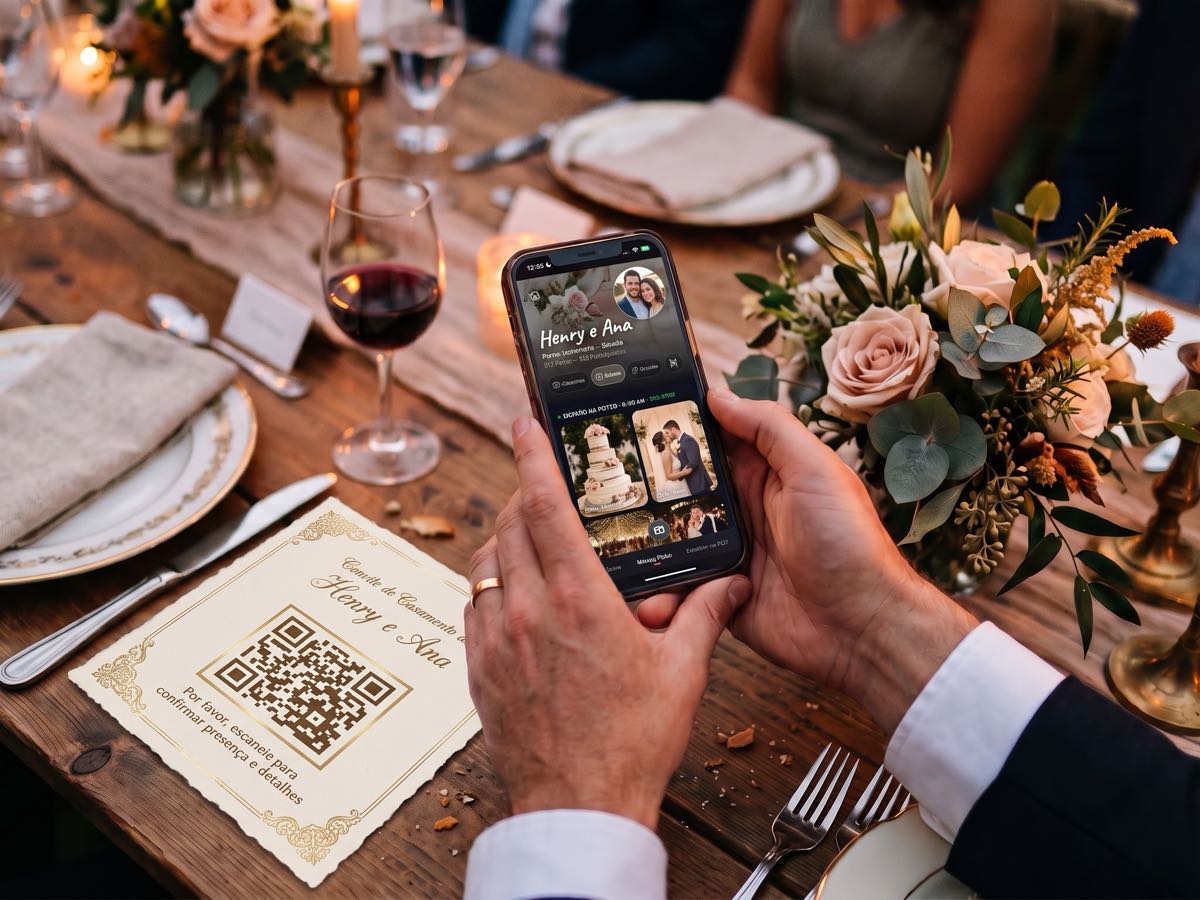
Create Your Event
Set up your event with a name, description, location, and cover image. Define sessions like Ceremony, Reception, and After Party with time ranges.
Choose Your Package
Pick the package that fits your guest list — from intimate gatherings to unlimited events. One payment, everything included.
Invite Your Guests
Share the QR code or link via email, SMS, WhatsApp, or social media. Display the QR code at the venue for guests to scan.
Enjoy the Memories
Watch photos appear in real-time as guests capture them. Browse by session, react with emojis, and download full-resolution originals.
For Guests
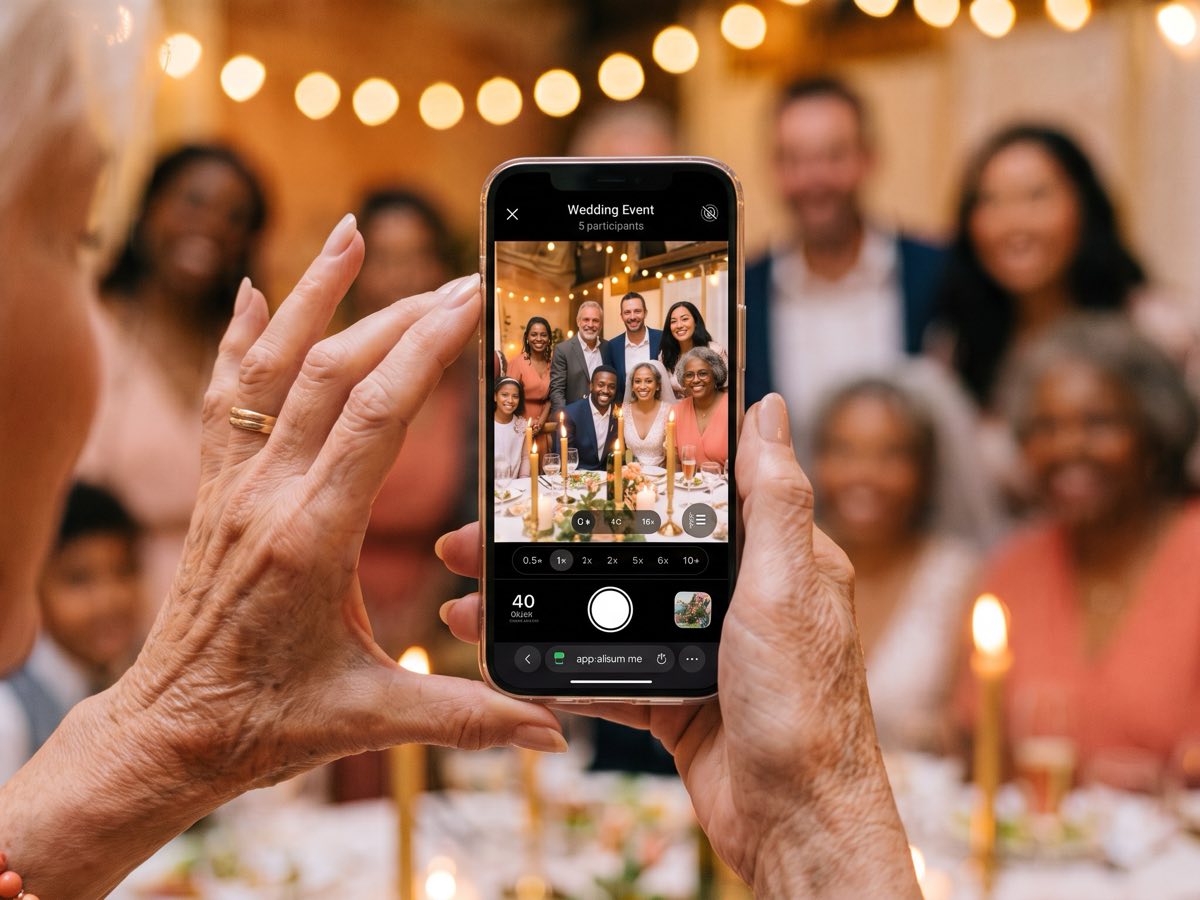
Scan or Tap
Scan the QR code at the venue or tap the invite link on your phone. No app download required — it opens right in your browser.
Enter Your Name
Type your display name. That's it — no account, no email, no password. You're ready to start taking photos in seconds.
Take Photos
Use the built-in camera with filters and zoom. Your remaining shots are shown right next to the shutter button.
React & Download
Browse the gallery, react to photos with emojis, and download any photo in full resolution to your device.
Sessions
Organized by session, not just a feed
Split your event into sessions with time ranges. When a guest takes a photo, the right session is suggested automatically — one tap to organize.
Example: A wedding chronogram
Ceremony
4:00 PM – 5:00 PM
Cocktail Hour
5:00 PM – 6:30 PM
Reception
6:30 PM – 10:00 PM
After Party
10:00 PM – late
Invitations
Every guest, every channel
One QR code, one link, every communication channel. Reach your guests wherever they are.
QR Code
Print it, display it on a screen, or put it on every table. Guests scan and they're in.
Send invitations to email addresses with a personalized message and the join link.
SMS
Text the invite link directly to your guests' phones. Perfect for last-minute invites.
Share the link in WhatsApp chats and groups. Works on every phone with WhatsApp.
The Gallery
Every photo. Every perspective.
The gallery is the heart of Allbum. Photos are displayed in a masonry grid, grouped by session, with author attribution on every tile. React with emojis, swipe through full-screen, and download any photo in full resolution.
- Masonry grid grouped by session
- Author attribution on every photo
- Filter by All, Mine, or by guest
- Emoji reactions (heart, fire, laughing)
- Full-screen viewer with vertical swipe
- Full-resolution downloads

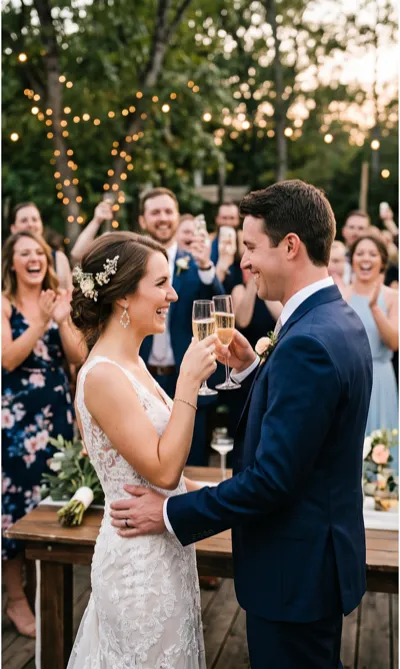


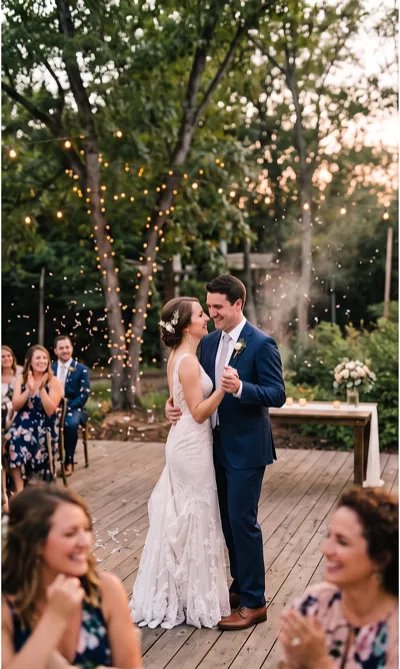
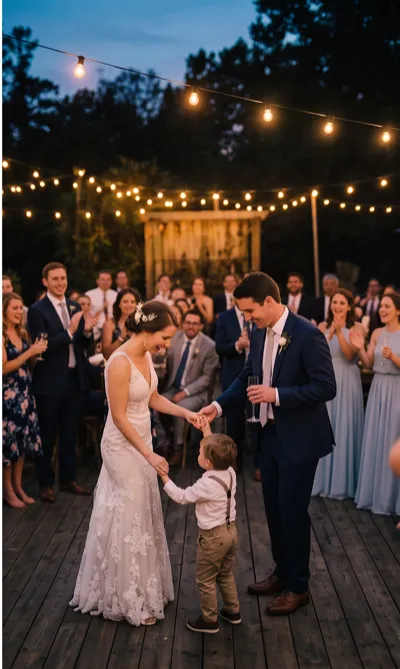
Gallery preview — masonry grid with author attribution
Ready to see it in action?
You've seen how it works — create your event in minutes and your guests start snapping in seconds.