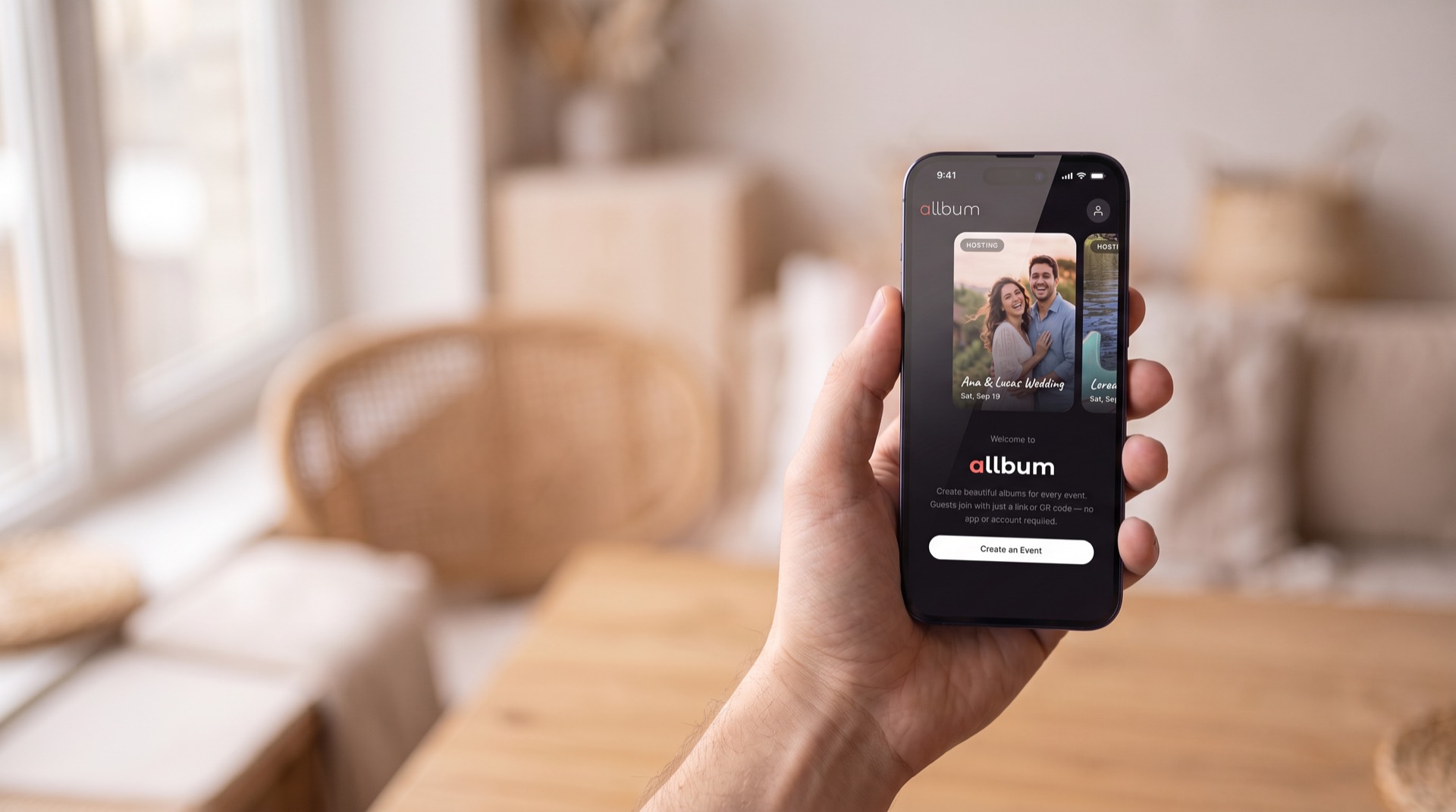
Private Photo & Video Sharing
All guests.
Every memory.
One shared album.
Allbum is a pay-per-event shared photo and video album for events. Bring your event's photos and videos together in one shared album. Guests scan a QR code or tap a link to capture and share — no app download, no account required. Connect displays so everyone can enjoy the memories as they arrive.
30s
to first photo
0
apps to install
0
subscriptions
100%
of photos in one place
Features
Everything you need to collect every memory
From capturing photos and videos to sharing them on connected displays and downloading them after the event — Allbum keeps every memory together.
No App Required for Guests
Guests scan a QR code or tap a link. No app download, no account, no friction. They're taking photos within 30 seconds.
Session-Based Organization
Split your event into sessions — Ceremony, Reception, After Party. Photos are automatically tagged by the session they were taken in.
Capture Photos & Videos
Guests capture photos and videos from their phones and share them straight to the event album. Short videos can be up to 2 minutes long.
Connected Displays
Connect TVs, tablets, or other devices with a compatible browser to your event. Guests' photos and videos appear automatically on those screens as they are shared.
Emoji Reactions
React to photos with emojis. Every guest's perspective matters — the album is a shared story, not a single photographer's portfolio.
Pay Per Event
One payment per event, sized to your group. Starter is free for small gatherings; paid packages cover the rest. No subscriptions or recurring fees.
Downloads
Guests and owners can download photos and videos at any time during the availability period.
Connected Displays
Your event memories. On every connected screen.
Connect a TV, tablet, or another device with a compatible browser to your event. Allbum automatically shows guests' photos and videos as they're shared, so everyone can enjoy the memories together.
One pairing code. You're connected.
Open the display
Open allbum.me/tv in the browser on your TV, tablet, or other display.
Pair it with your event
As the owner, enter the screen's pairing code in your event's display settings.
Enjoy the memories together
Photos and videos appear automatically as guests share them. No refreshing or passing a phone around.
How It Works
Simple for you to organize. Simpler for your guests.
Owners set up the event in minutes. Guests join in seconds. No complexity, no learning curve.
For Event Owners
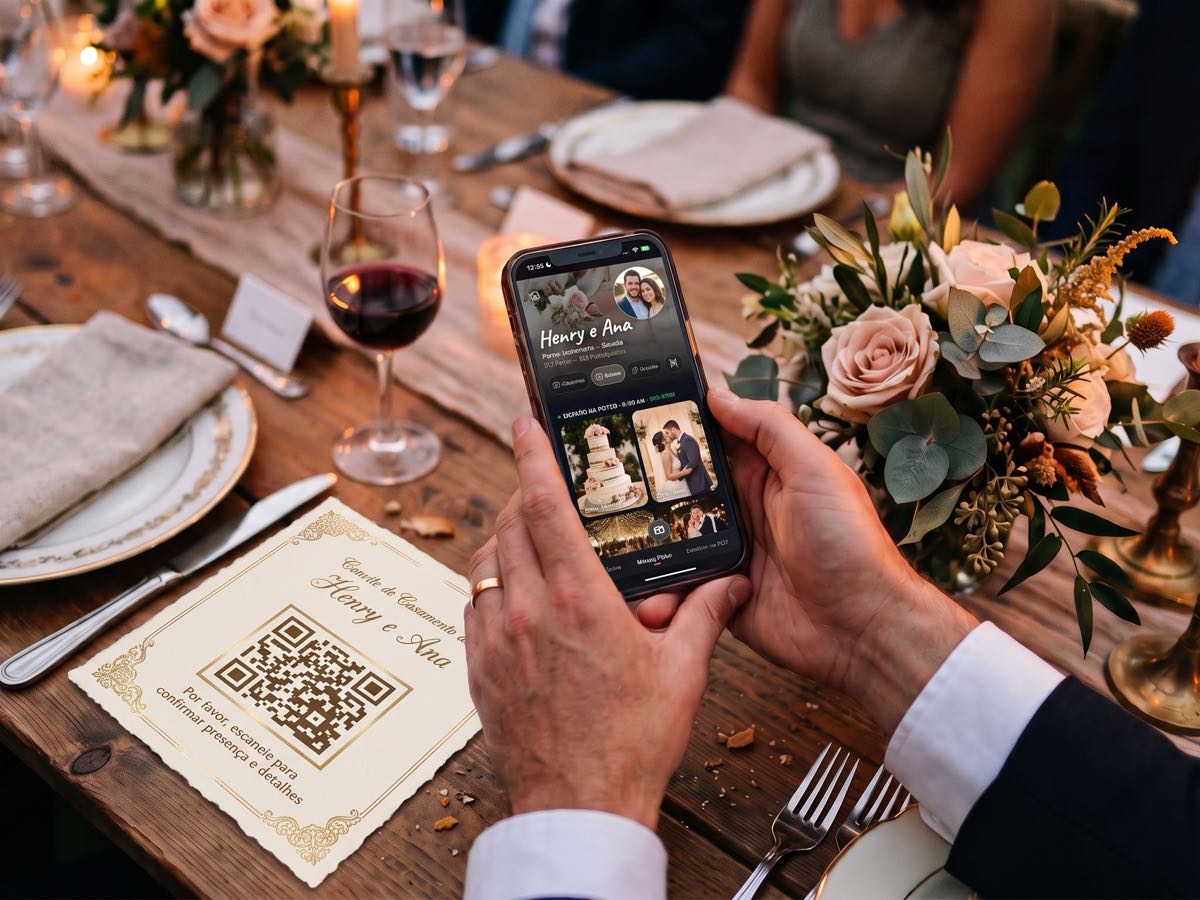
Create Your Event
Set up your event with a name, description, location, and cover image. Define sessions like Ceremony, Reception, and After Party with time ranges.
Choose Your Package
Pick the package that covers your guest count before the event starts. Starter is free for small gatherings; paid packages are one-time payments.
Invite Your Guests
Share the QR code or link via email, SMS, WhatsApp, or social media. Display the QR code at the venue for guests to scan.
Enjoy the Memories
Watch photos and videos arrive in the album. To share them on a display, open allbum.me/tv in its browser and enter its pairing code in your event's display settings. The screen then shows the memories automatically.
For Guests
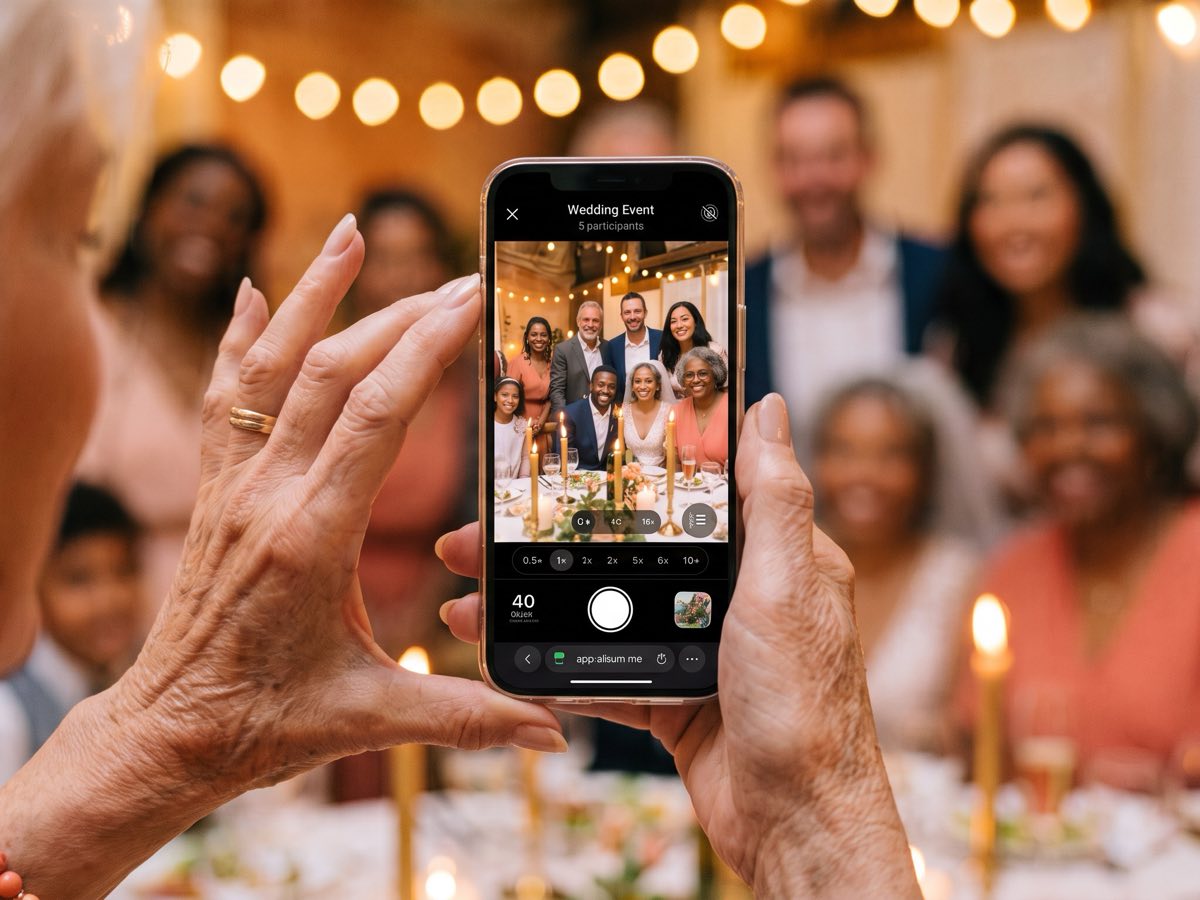
Scan or Tap
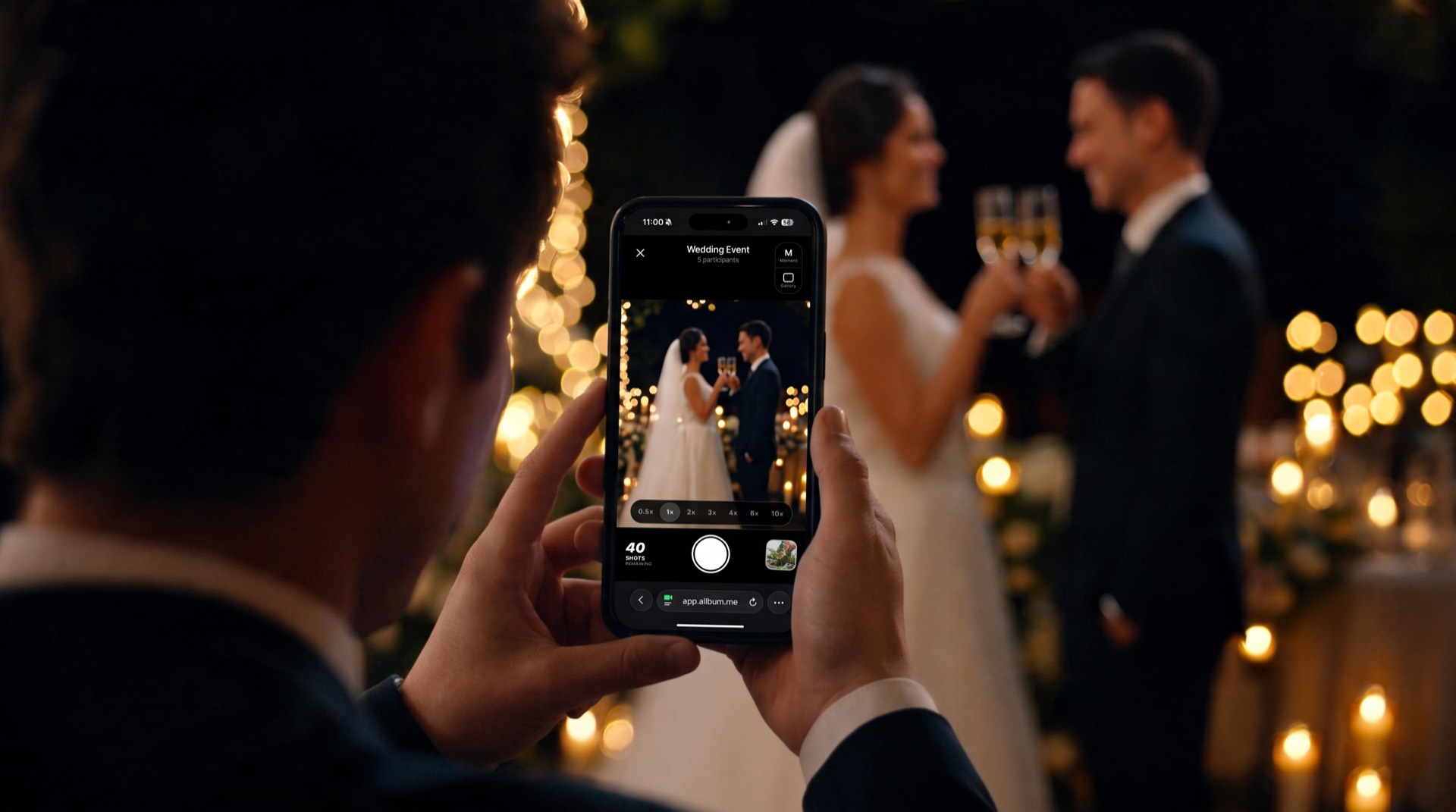
Scan the QR code at the venue or tap the invite link on your phone. No app download required — it opens right in your browser.
Enter Your Name
Type your display name. That's it — no account, no email, no password. You're ready to start taking photos in seconds.
Capture Photos & Videos
Capture photos and videos from your phone and share them to the album. Record short videos up to 2 minutes long to keep the moments in motion too.
React & Download
Browse photos and videos in the gallery, react with emojis, and download your favorites to your device.
Use Cases
For every event worth remembering

Weddings
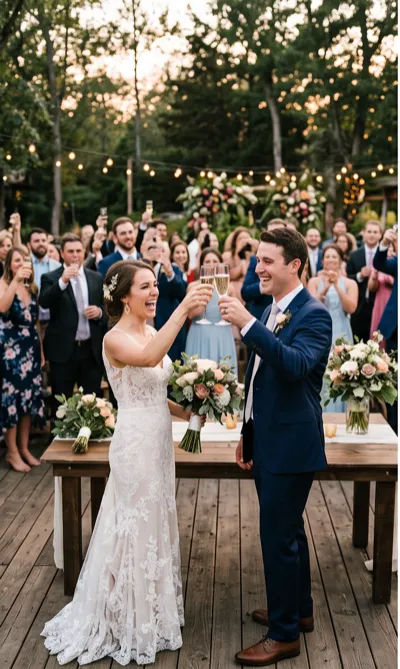
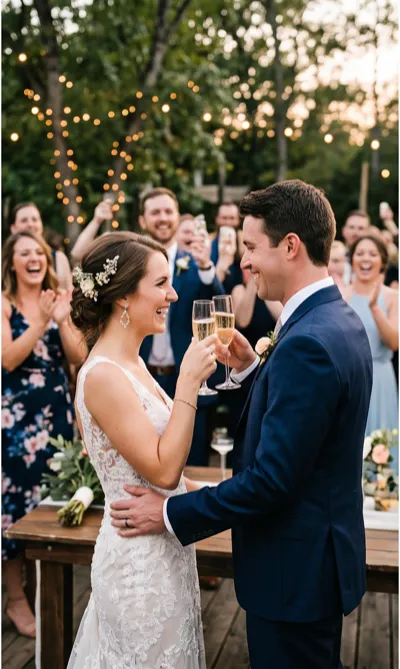
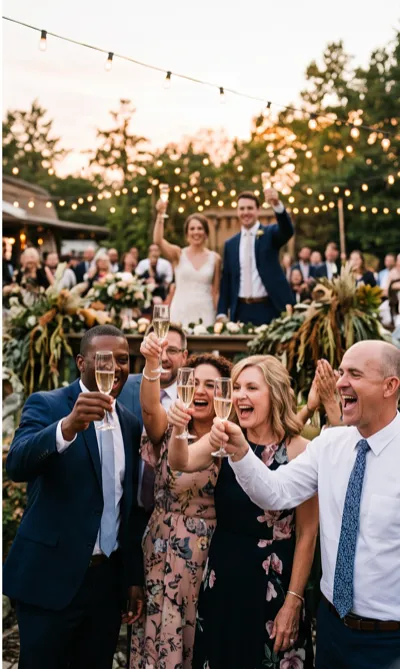
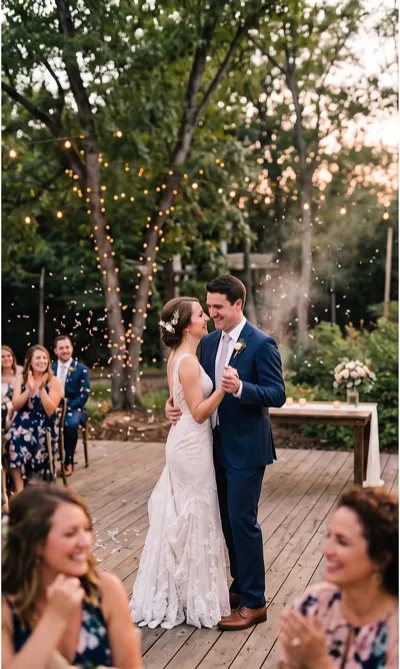
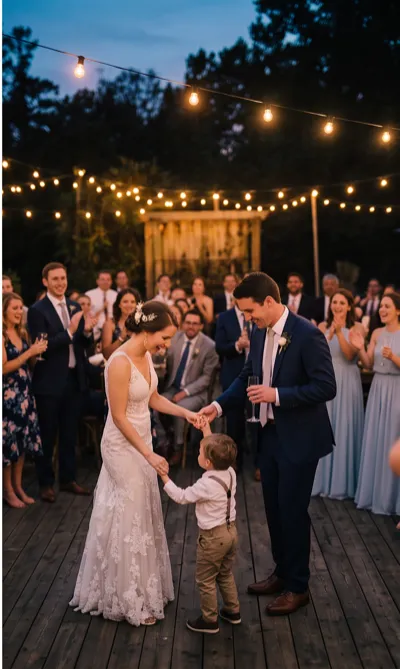
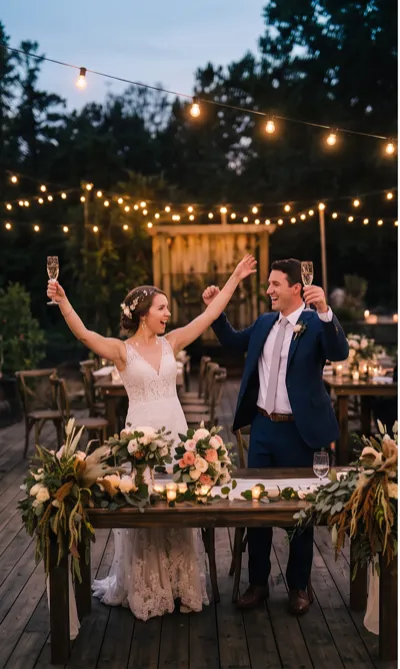
Collect photos and videos from every guest — from the ceremony to the last dance. Organize by session so nothing gets lost.

Corporate Events
Conferences, team offsites, product launches. Simple, branded photo collection without enterprise complexity.
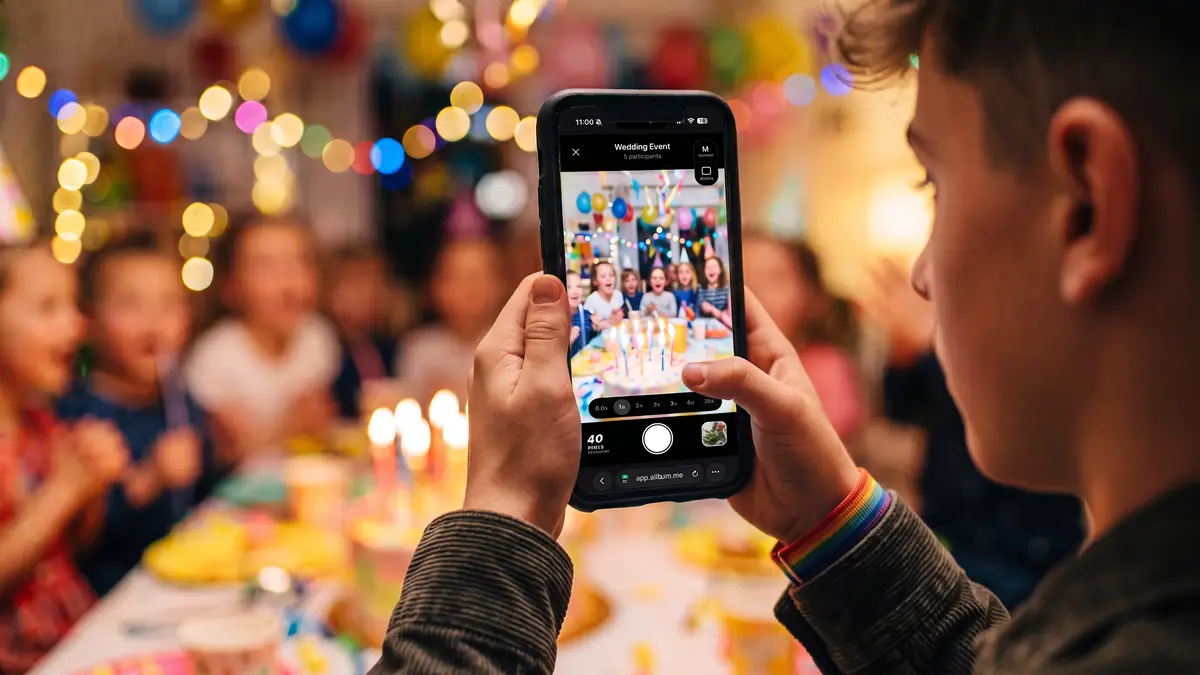
Celebrations
Birthdays, anniversaries, graduations, baby showers. Every milestone deserves every perspective.

Community & Travel
Festivals, fundraisers, group trips, cultural celebrations. Bring together guests of all ages and technical levels.
For Guests
Got an invite? You're seconds away.
Scan the QR code at the venue or tap the link in your invitation. Enter your name and start taking photos. That's it — no app, no account, no hassle.
Create an Event and Invite GuestsStay in touch
Get Allbum news by email
Be the first to hear about new features and improvements. Occasional emails only — no spam.
Need a hand?
Questions about using Allbum or creating an event?
If you still have questions about how to use Allbum or set up your event, our team is here to help.
Email us at
contact@allbum.meReady to collect every memory?
Create your event in minutes. Pick a package, share the QR code, and your guests start snapping in seconds.