Displays
Bring your event to the big screen.
From a wedding reception to a team celebration, give every shared moment a place in the room. Turn a compatible browser device into a display for your Allbum event.
Connected Displays
Your event memories. On every connected screen.
Connect a TV, tablet, or another device with a compatible browser to your event. Allbum automatically shows guests' photos and videos as they're shared, so everyone can enjoy the memories together.
One pairing code. You're connected.
Open the display
Open allbum.me/tv in the browser on your TV, tablet, or other display.
Pair it with your event
As the owner, enter the screen's pairing code in your event's display settings.
Enjoy the memories together
Photos and videos appear automatically as guests share them. No refreshing or passing a phone around.



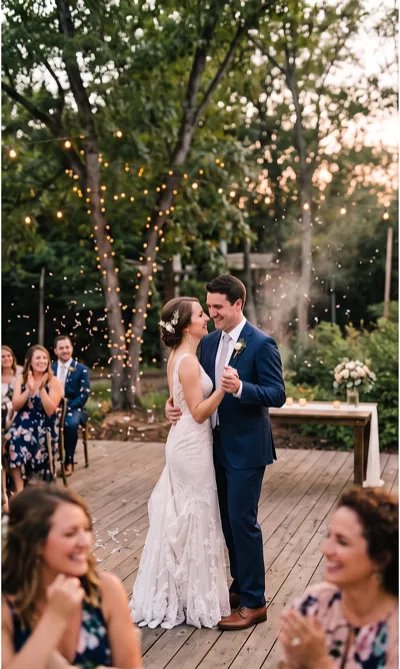
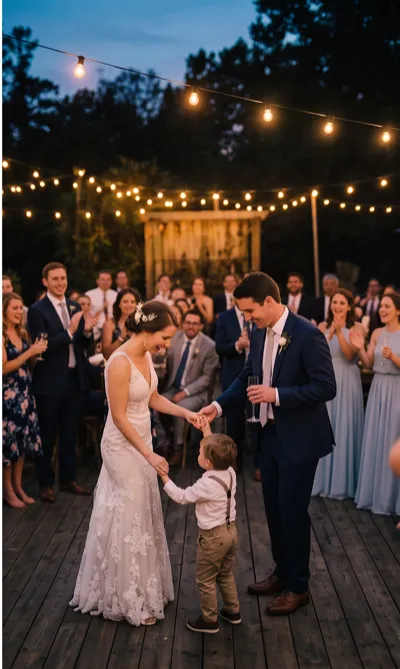

One event. More ways to enjoy it together.
Photos and videos, automatically
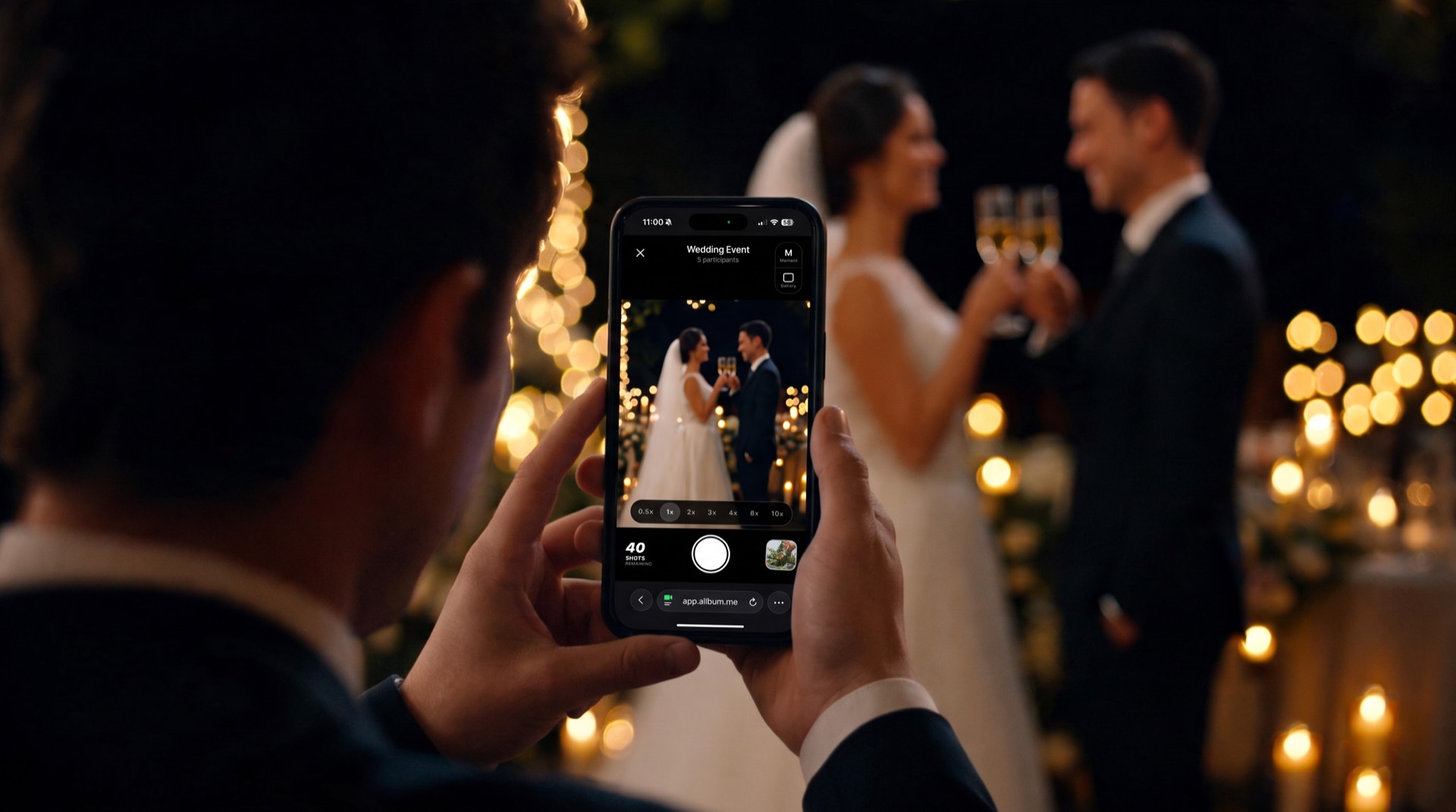
As guests capture and share photos and short videos up to 2 minutes, connected displays show the memories automatically. Keep enjoying the event instead of refreshing a screen.
Use a screen you already have
Open the display in a compatible browser on a TV, tablet or computer. Keep the device connected to the internet and its browser open during the presentation.
Stay in control from your phone
Manage connected displays in your event settings. Pause or resume a screen, adjust its presentation settings, or remove it when you are done.