The photos were already on their phones.Now they're in your album.
Seven new ways to collect, design, and keep the memories your guests actually captured. Small events can start free.

01 · Pricing
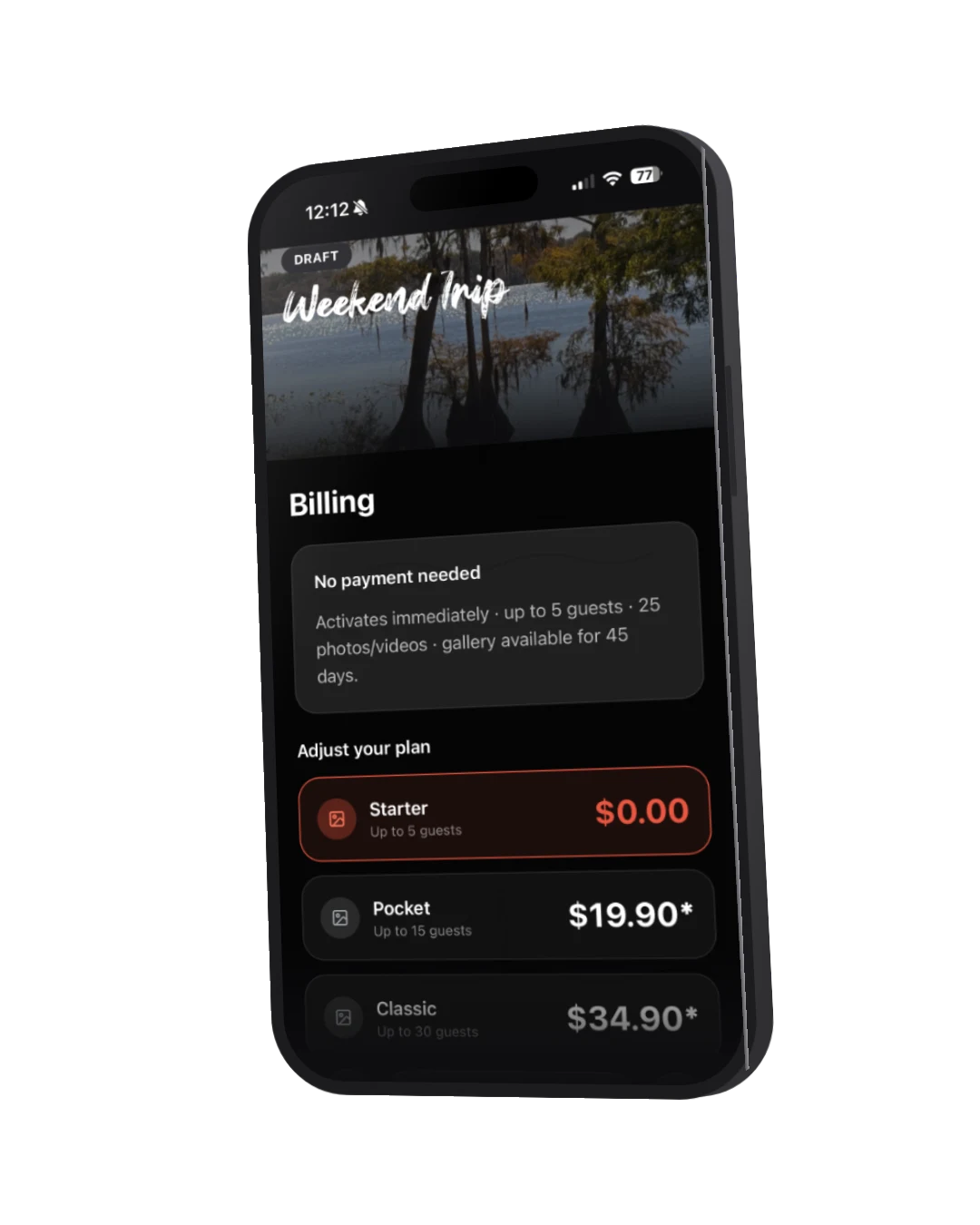
Small events are free.
Starter covers the dinner party, the intimate birthday, the baby shower. No card, no trial clock, no subscription.
- Up to 5 guests, owner excluded
- 25 combined photos and videos
- 45 days of gallery access
- Upgrade anytime before it expires
02 · Guest uploads
Bring the camera roll.
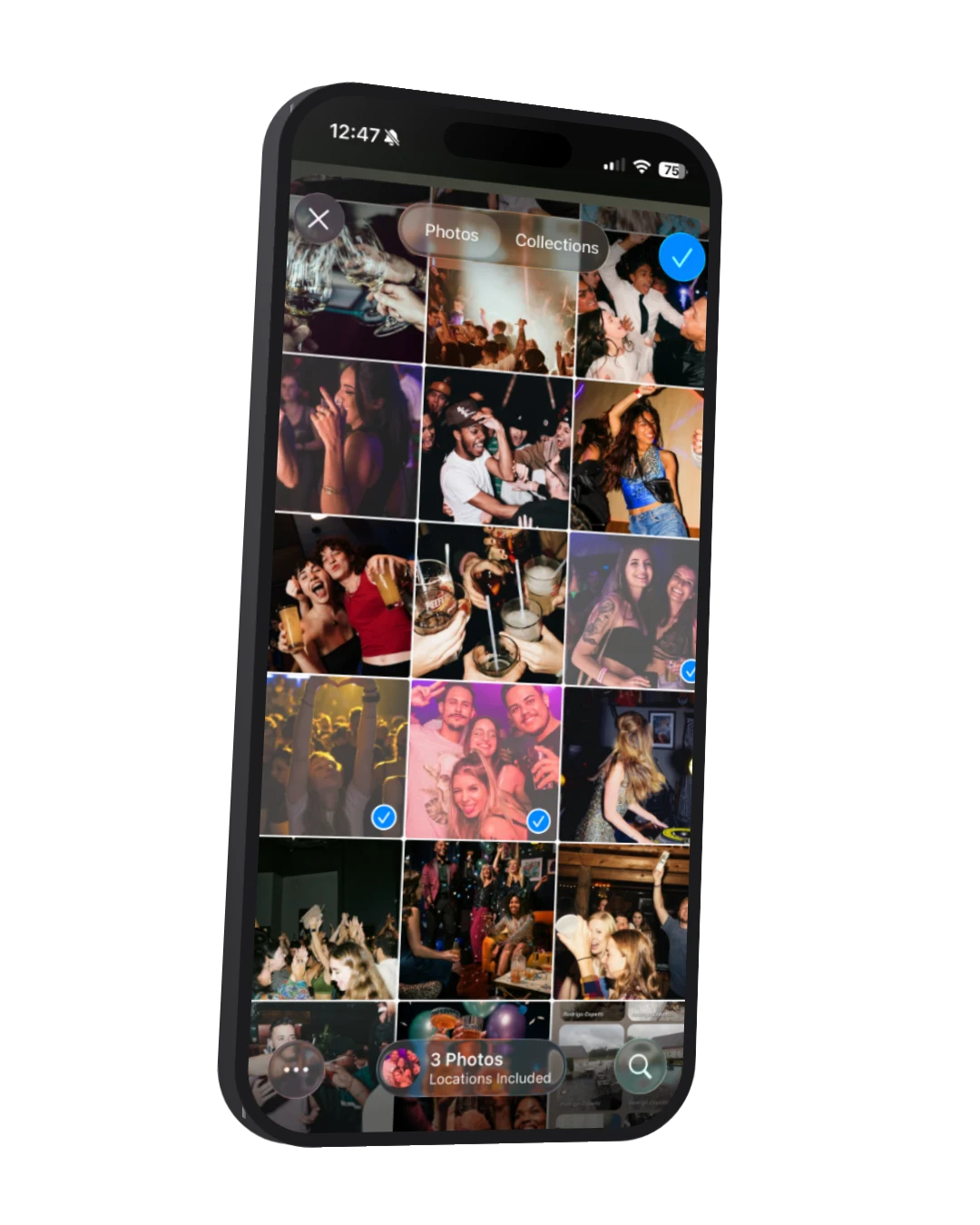
The best photos are already on your guests' phones. Now they can add up to 20 at once, and each one lands in the moment it was actually taken.
- Multi-select photos and videos
- Real capture time preserved
- Open for 14 days after the event
03 · First impression
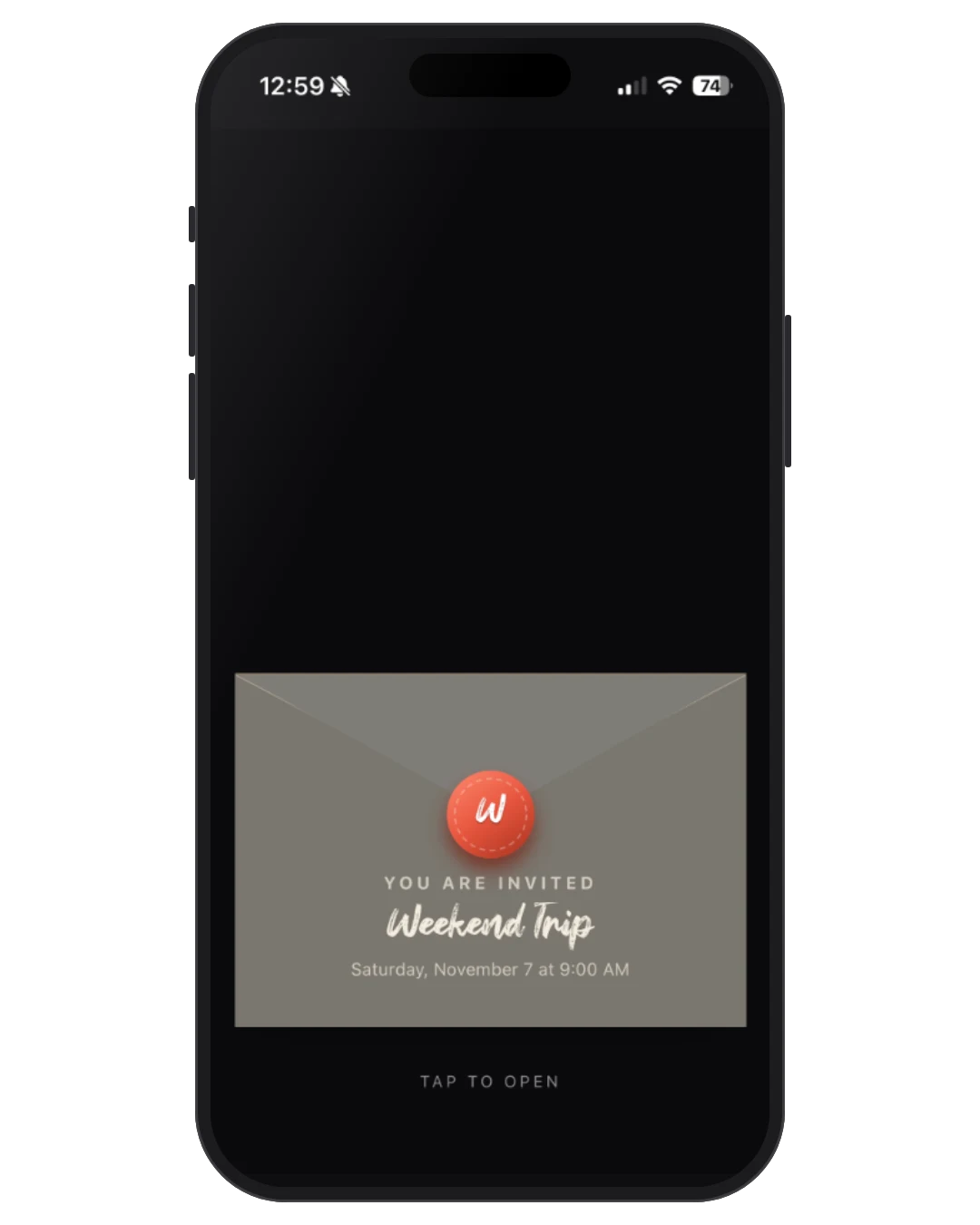
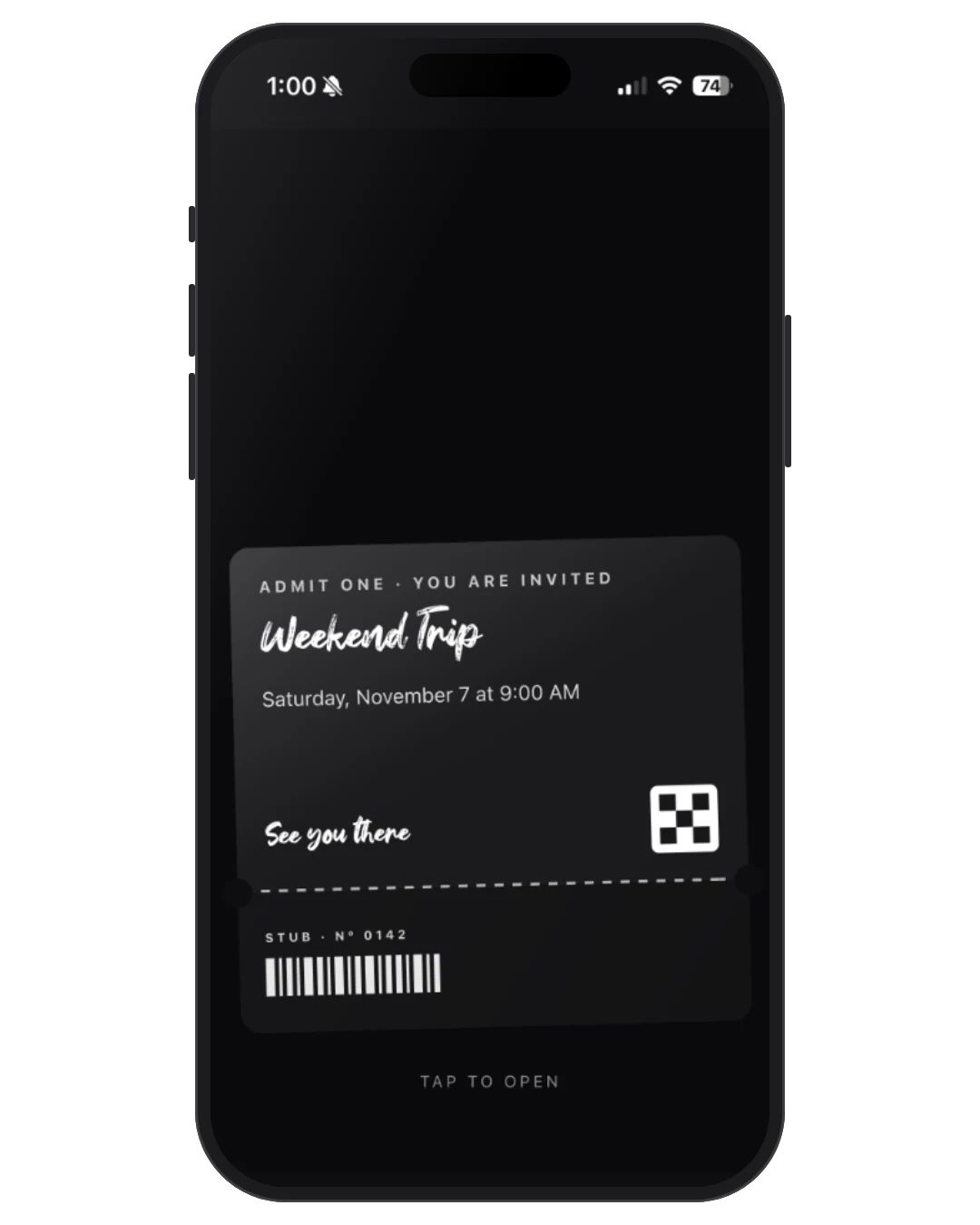
An invite that opens.
Choose a wax-sealed envelope or a ticket that tears. The ceremony plays once per device, then hands the guest to the welcome page.
- Envelope or ticket reveal
- Plays once per device
- Uses your palette and typeface
04 · Customization
Make it yours, not a template.
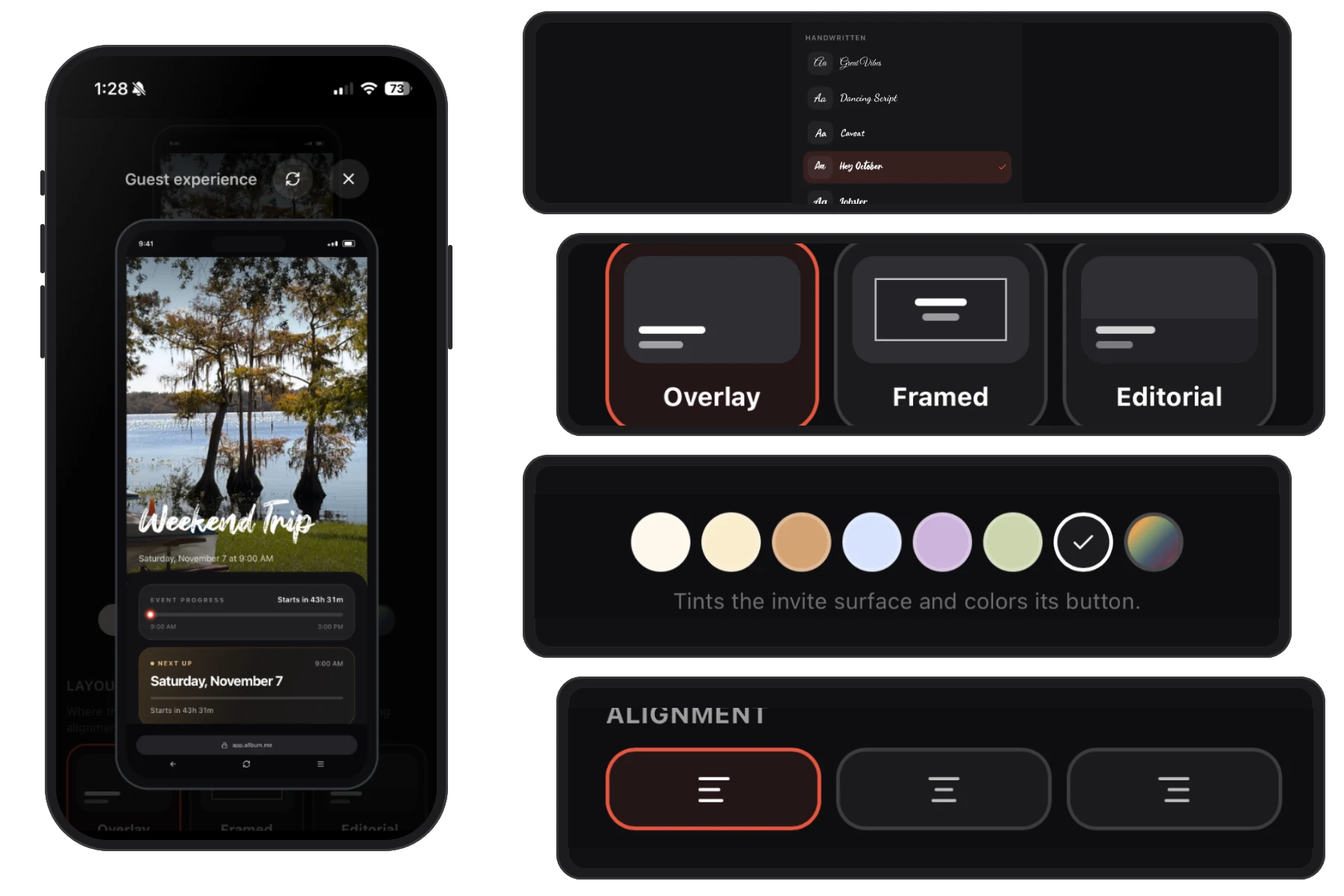
Layout, typeface, size, and alignment are independent choices now. Pick the arrangement you like and the font that fits the event.
- 3 layouts: overlay, card, below
- 20 typefaces across 5 groups
- 7 palette colors or a custom mix
- Pinned phone preview while you tune
05 · Guest experience
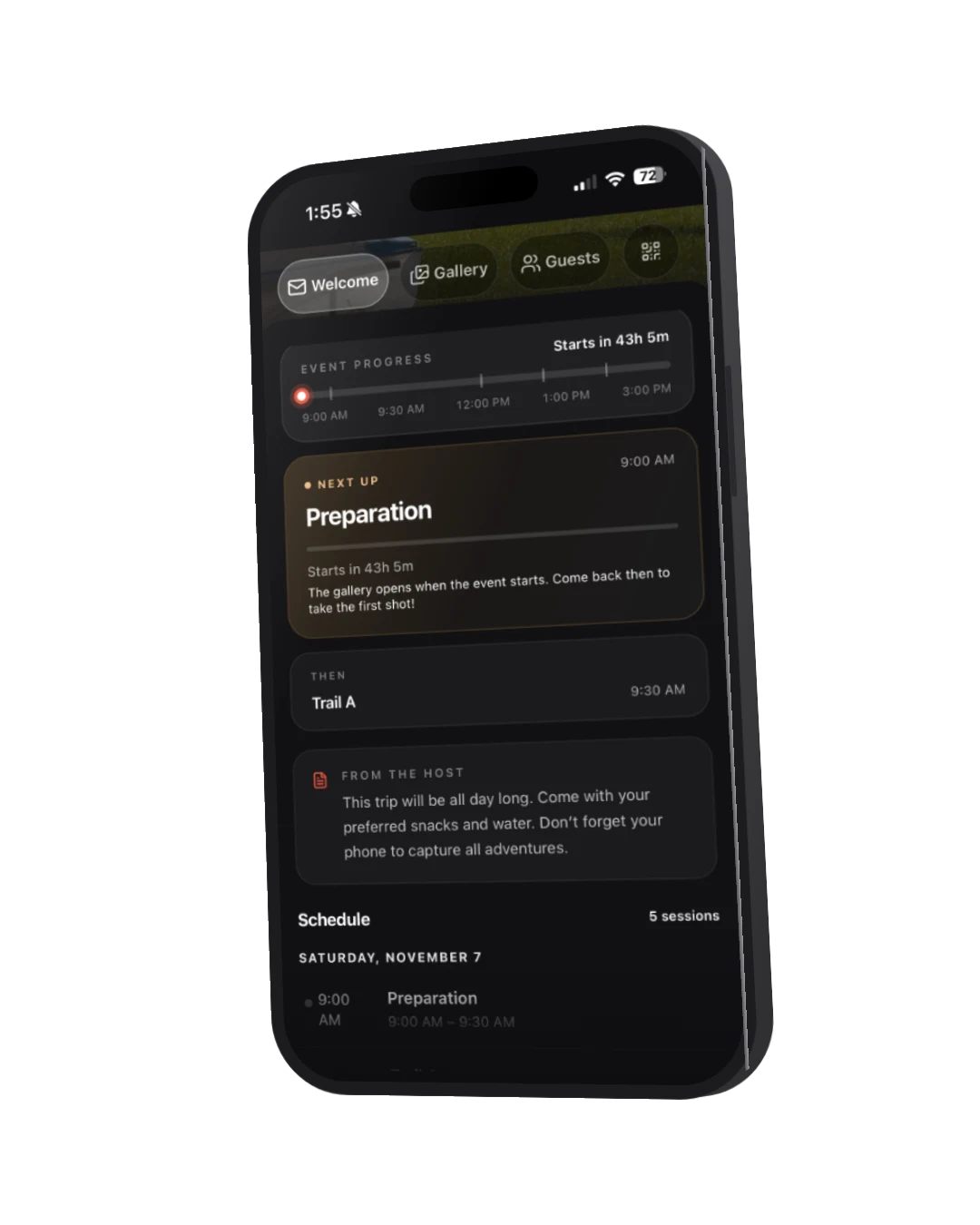
A welcome page that knows what time it is.
The page answers the only question a guest has at the door: what is happening now? Live card, up-next strip, host note, and the programme as a timeline.
- Live, upcoming, and wrapped states
- Up-next session strip
- Host note and programme timeline
- Same surface across welcome, gallery, and guests
06 · On the table
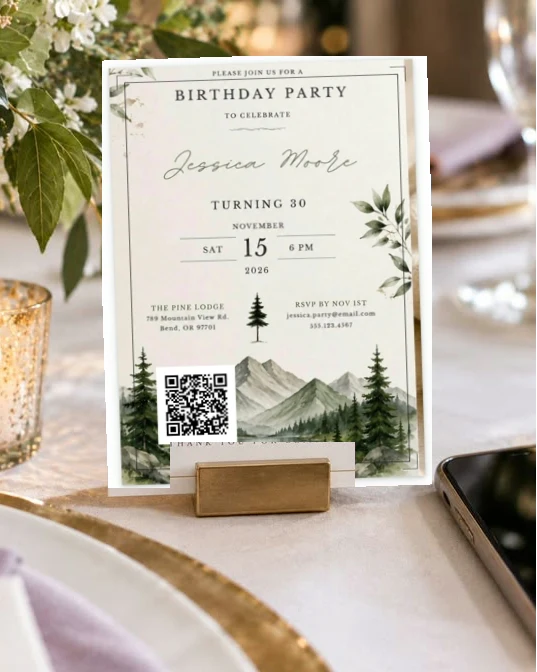
Print it. Scan it. Watch it land.
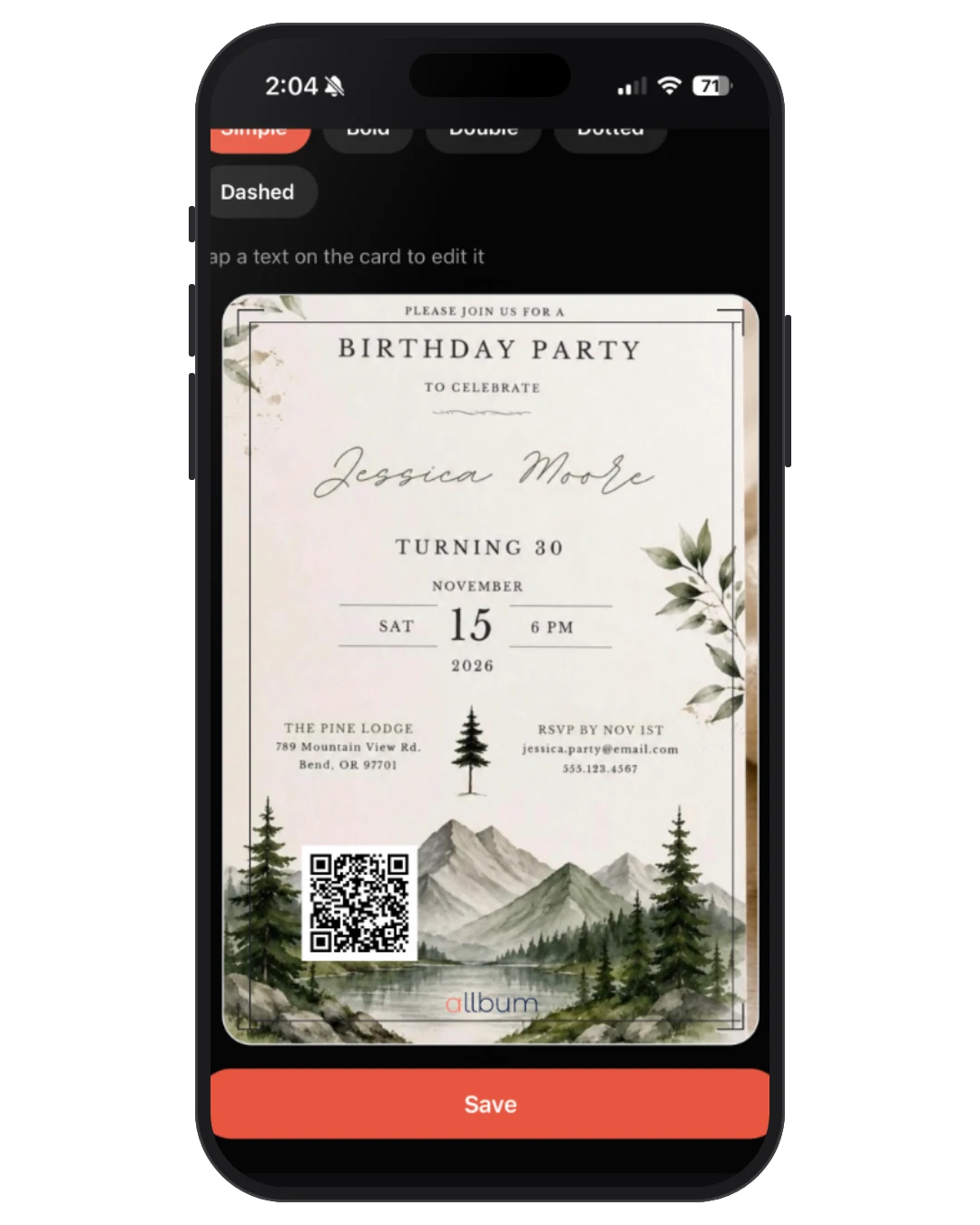
Five typographic cards or your own artwork with a movable QR. Choose the paper size, download the PDF, and put it where people sit still.
- 5 print layouts plus a custom art card
- Drag and resize the QR and wordmark
- 4 paper sizes with a true-ratio preview
- TV displays get a mini join QR too
07 · Stay close
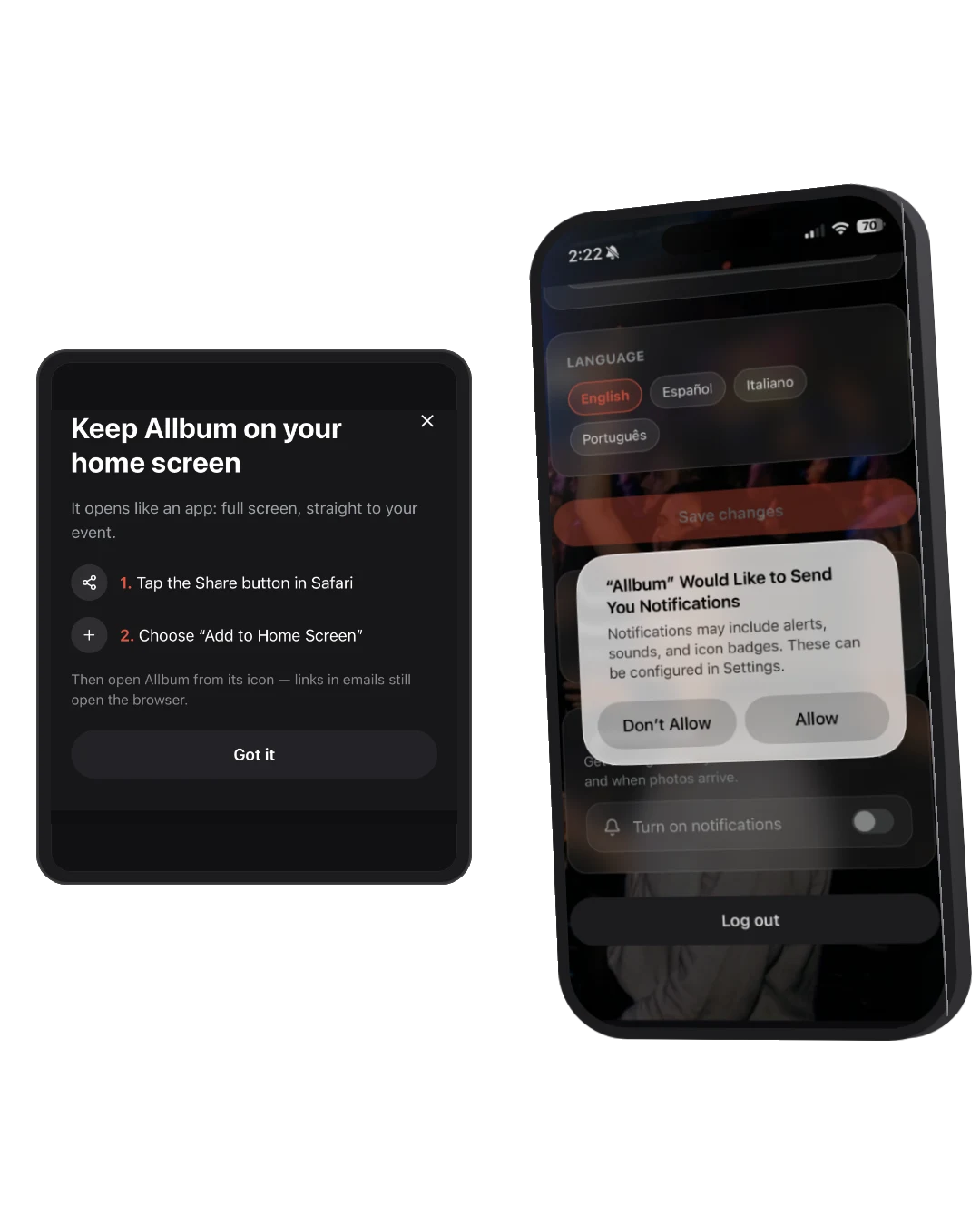
Install it. Get the nudge.
Add Allbum to the home screen like an app, then let it tap you on the shoulder before the event and when the album is ready.
- Installable on Android and iOS
- Push: your event starts in 1 hour
- 7-day and 3-day reminder emails
- Localized in your language
Stay in touch
Get Allbum news by email
Be the first to hear about new features and improvements. Occasional emails only — no spam.
Your next event can start free.
Create it, share the QR, and let the album fill itself. Upgrade only if the guest list outgrows Starter.